Avoid Cross-Request State Pollution in Vuex When Using SSR
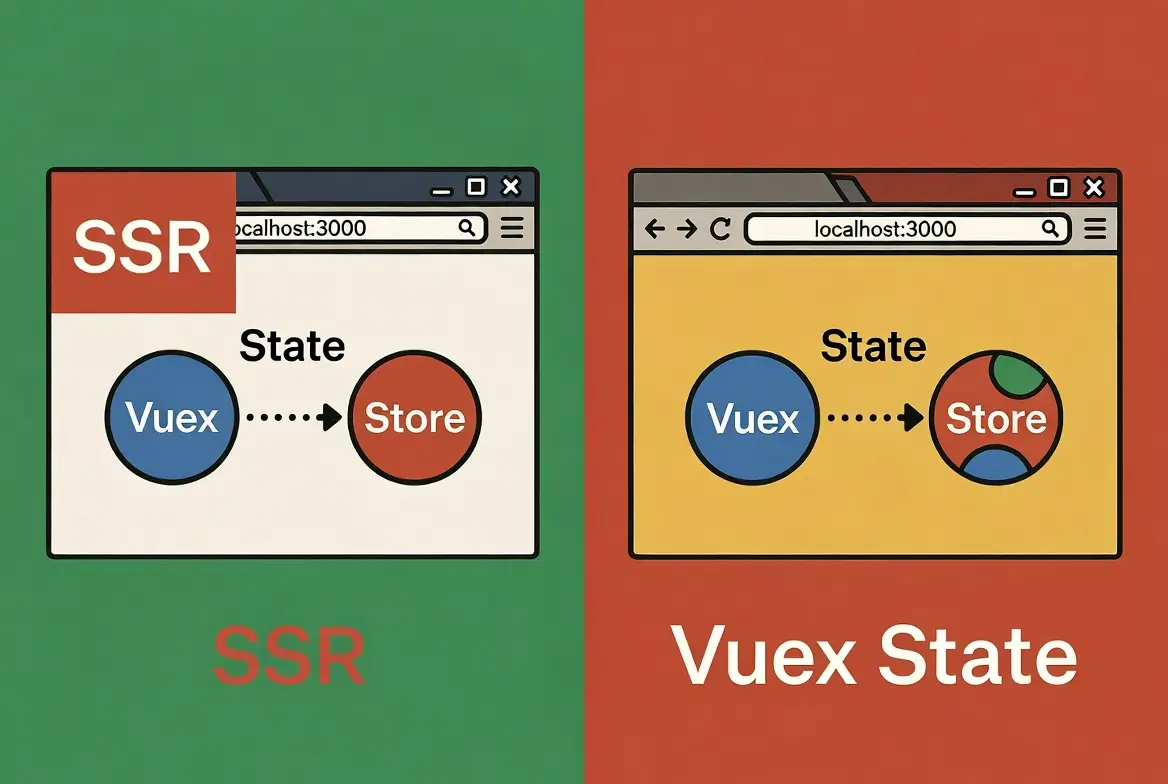
When using Vue or Nuxt with Server-Side Rendering (SSR), many teams run into a serious problem called Cross-Request State Pollution. It happens when the Vuex Store on the server shares data between users by mistake. This issue can be hard to detect in production and can even lead to personal data leaking between sessions.
This guide explains why the problem happens, shows the wrong and correct ways to write Vuex state in SSR, and gives you practical solutions you can apply today.
What Is Cross-Request State Pollution?
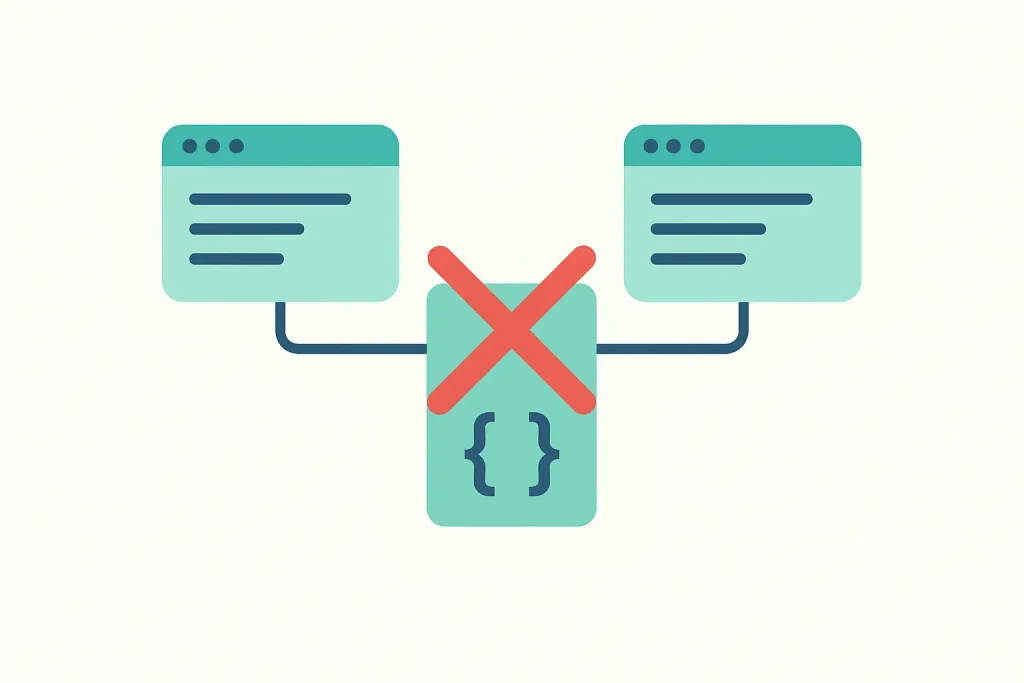
In a normal client-side app, every user has their own browser memory. Because of that, their Vuex state is always private. But with SSR, the Node.js server stays alive between requests. If you store shared objects in Vuex the wrong way, the server keeps these objects in memory and uses them for every request.
This means one user can see data from another user if the stored object is shared by reference.
Example of the problem
// Wrong: this object is shared for all requests
const demoObject = {
  user: {
    name: null,
    email: null
  },
  isActive: false
}

export const state = () => ({
  formData: demoObject
})
If User A fills the form, the server changes the shared object. When User B visits the page right after, they receive the HTML rendered with User A’s data. This is the classic cross-request pollution scenario.
Why the Spread Operator does not fix it
const demoObject = {
  user: { name: null },
  isActive: false
}

export const state = () => ({
  ...demoObject   // Still wrong
})
The spread operator only creates a shallow copy. The nested object user is still the same reference. So the problem stays the same.
How to Fix the Problem
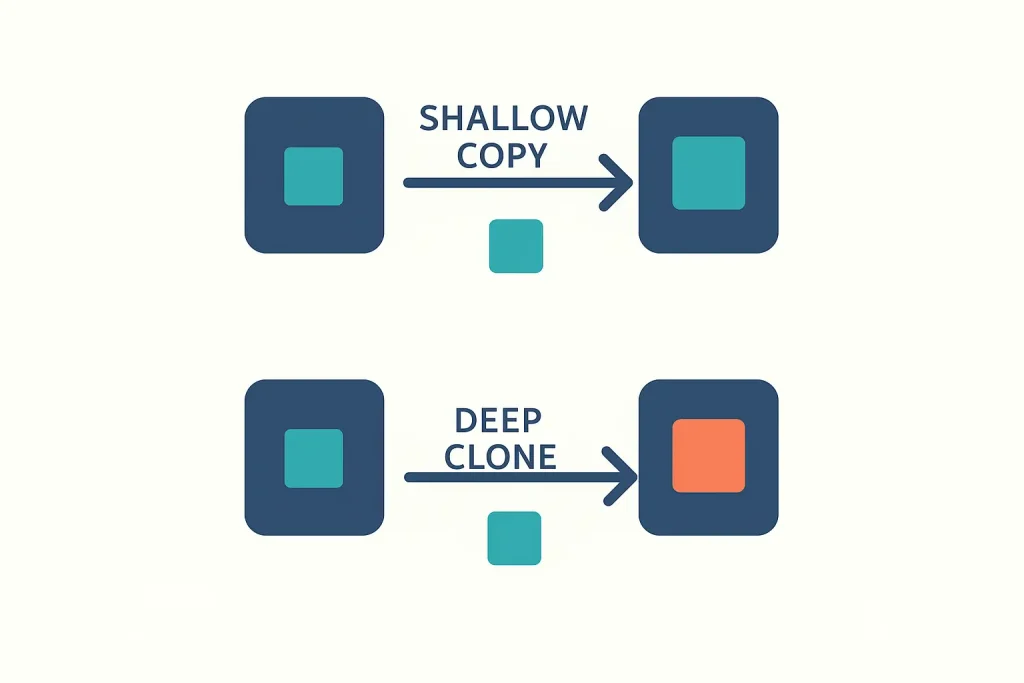
To avoid this issue, every SSR request must receive a fresh Vuex state object. There are three safe ways to do this.
1. Use a Factory Function (recommended)
This is the official pattern for Vuex and Nuxt.
const getInitialFormData = () => ({
  user: {
    name: null,
    email: null
  },
  isActive: false
})

export const state = () => ({
  formData: getInitialFormData()
})
The function creates a new object every time, so no memory is shared between users.
2. Use structuredClone for deep copy
Useful when you must import a shared object from another file.
const demoObject = { user: { name: null }, isActive: false }

export const state = () => ({
  formData: structuredClone(demoObject)
})
structuredClone makes a full deep copy, so all nested values are safe.
3. Use cloneDeep from Lodash
For older projects or when you need wide compatibility.
import cloneDeep from 'lodash/cloneDeep'

const demoObject = { ... }

export const state = () => ({
  formData: cloneDeep(demoObject)
})
Why This Bug Is Hard to Detect in Production
On a real server, you usually run multiple Node.js processes. For example, a PM2 cluster with 16 workers. Each worker handles part of the traffic. Because the load is spread across processes, the bug only appears sometimes and only affects some users.
This makes the issue very hard to test and reproduce. But the risk still exists for every process, and it becomes a security problem when sensitive data is involved.
How SSR and Vuex Actually Work
Many developers think the server keeps the Vuex state updated as users type. This is not true. Here is the real flow:
- The server runs once to generate the HTML and the initial Vuex state.
- The browser receives the HTML and starts hydration.
- After hydration, the user interacts with the page and updates state only in the browser.
- To save data permanently, you must send it to your API or database.
If you want to keep temporary state after page reload, you need a client-side tool such as vuex-persistedstate, which stores data in the browser’s LocalStorage.
Best Practices to Follow
- Always define Vuex state using a function that returns a new object.
- Never store shared objects outside the state function unless you deep clone them.
- Turn on Vuex strict mode in development.
- Use
nuxtServerInitto load shared data safely on the server. - Test your app with concurrent requests to verify there is no leakage.
Conclusion
Cross-Request State Pollution is a real threat when building SSR apps with Vuex and Nuxt. The fix is simple: always make sure your state is created fresh for every request. This avoids accidental data sharing, keeps your users safe, and follows the official best practices for SSR state management.
If you apply the patterns in this guide, your SSR app will behave correctly even under heavy load and with many concurrent users.