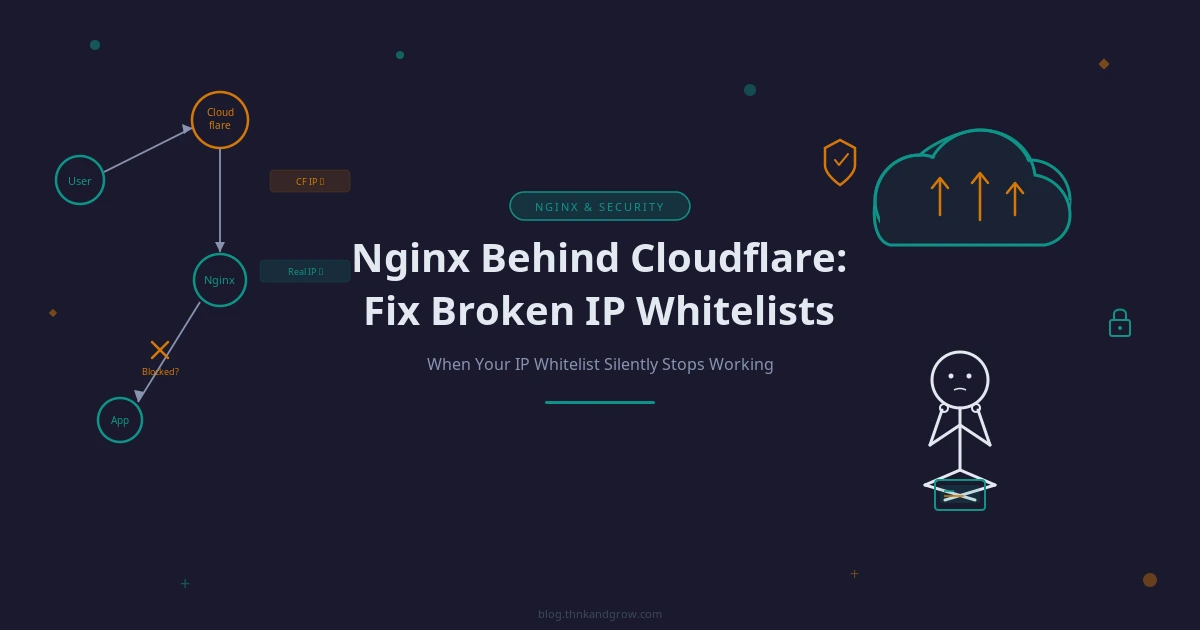
Nginx Behind Cloudflare: Fix Broken IP Whitelists
Introduction: When Your IP Whitelist Silently Stops Working
You’ve done everything right. You’ve set up an Nginx reverse proxy for your OpenClaw dashboard, added SSL termination with a wildcard certificate, configured WebSocket support, bolted on HTTP basic auth, and carefully whitelisted the two IP addresses that should have access. You reload Nginx, open a browser from your whitelisted IP, and get a 403 Forbidden.
Nothing in the Nginx error log explains it. Your IP is definitely in the allow list. Basic auth credentials are correct. The service is running. And yet — 403.
If you’re running Nginx behind Cloudflare, this is almost certainly not a configuration mistake on your part. It’s a fundamental consequence of how Cloudflare works as a proxy layer, and it silently breaks every IP-based access rule you write. The good news: once you understand why it happens, the fix is clean, well-supported, and takes about ten minutes to implement.
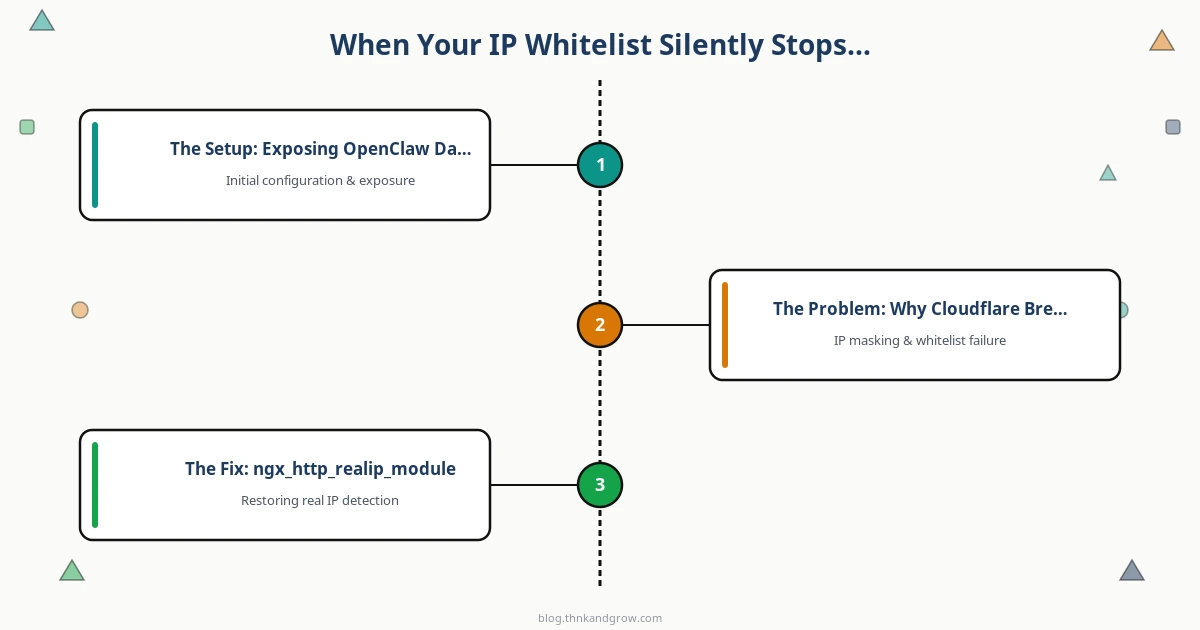
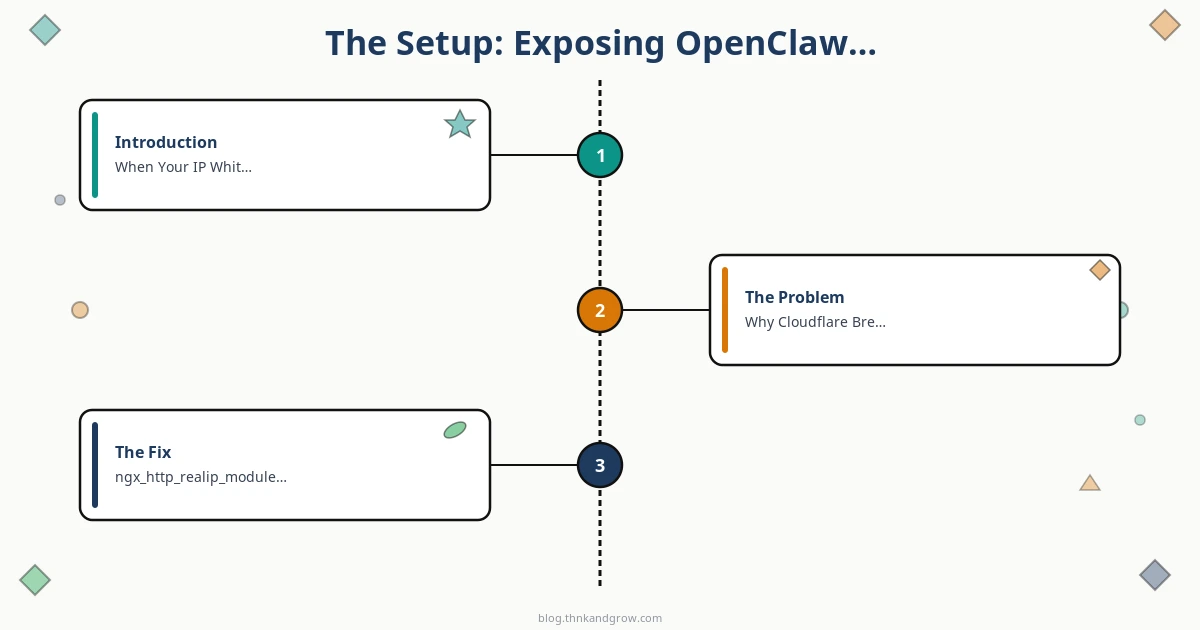
This post walks through the full picture — the setup, the problem, the fix, and how to keep it working long-term.
The Setup: Exposing OpenClaw Dashboard via Nginx
OpenClaw is an open-source API gateway with a web-based Gateway Control UI served locally on port 18789 by default. Like most internal dashboards — think Grafana, Kibana, or Prometheus — it’s designed to run on localhost, not face the public internet directly. It doesn’t handle its own TLS, doesn’t enforce network-level IP filtering, and isn’t hardened for direct exposure. Putting it behind a reverse proxy is the right move.
The Nginx configuration for opencua.example.com covers the standard bases:
- SSL termination using a wildcard certificate for
*.example.com - Reverse proxy to
127.0.0.1:18789viaproxy_pass - WebSocket support — required because the OpenClaw Control UI uses WebSockets for real-time communication
- Security headers including
X-Content-Type-Options,X-Frame-Options, andX-XSS-Protection
On top of that, two layers of access control are added: an IP whitelist restricting access to 203.0.113.10 and 198.51.100.25, and HTTP basic auth backed by a dedicated .htpasswd_opencua file with a separate set of credentials.
Here’s what the core site config looks like:
server {
    listen 443 ssl;
    server_name opencua.example.com;

    ssl_certificate     /etc/nginx/ssl/wildcard.example.com.crt;
    ssl_certificate_key /etc/nginx/ssl/wildcard.example.com.key;

    # Security headers
    add_header X-Content-Type-Options  nosniff;
    add_header X-Frame-Options         DENY;
    add_header X-XSS-Protection        "1; mode=block";

    location / {
        # IP whitelist
        allow 203.0.113.10;
        allow 198.51.100.25;
        deny  all;

        # Basic auth
        auth_basic           "OpenClaw Dashboard";
        auth_basic_user_file /etc/nginx/.htpasswd_opencua;

        # Reverse proxy to OpenClaw
        proxy_pass         http://127.0.0.1:18789;
        proxy_http_version 1.1;

        # WebSocket support
        proxy_set_header Upgrade    $http_upgrade;
        proxy_set_header Connection "upgrade";

        proxy_set_header Host              $host;
        proxy_set_header X-Real-IP         $remote_addr;
        proxy_set_header X-Forwarded-For   $proxy_add_x_forwarded_for;
        proxy_set_header X-Forwarded-Proto $scheme;
    }
}

server {
    listen 80;
    server_name opencua.example.com;
    return 301 https://$host$request_uri;
}
On paper, this is solid. In practice, with Cloudflare in front, the IP whitelist does absolutely nothing useful.
The Problem: Why Cloudflare Breaks IP-Based Rules
To understand the problem, you need to understand what Cloudflare actually does to your traffic.
When Cloudflare’s proxy is enabled for a domain (the orange cloud in your DNS dashboard), Cloudflare intercepts every inbound TCP connection at one of its edge nodes — of which there are 300+ globally. The browser connects to Cloudflare, not to your server. Cloudflare then opens a separate TCP connection from its own infrastructure to your origin server and forwards the request.
This means your Nginx server never receives a direct connection from the real visitor. Every connection it sees originates from a Cloudflare edge IP — something in the ranges 162.158.x.x, 172.70.x.x, 104.16.x.x, and so on.
The request flow looks like this:
Browser (real IP: 198.51.100.25) → connects to Cloudflare edge node → Cloudflare (IP: 162.158.x.x) → connects to your server → Nginx sees $remote_addr = 162.158.x.x
Nginx’s allow and deny directives evaluate against $remote_addr — the IP of the TCP connection. That’s always a Cloudflare IP. Your whitelisted IPs (203.0.113.10, 198.51.100.25) never appear in $remote_addr, so every request hits the deny all rule and returns 403.
Cloudflare does preserve the real visitor IP — but it passes it as an HTTP header called CF-Connecting-IP, not as the source IP of the TCP connection. Nginx doesn’t use HTTP headers for access control by default. It uses $remote_addr. So the real IP is there, sitting in a header, completely ignored by your whitelist logic.
This is not a bug in Cloudflare or Nginx. It’s simply how proxies work. But it’s a gap that can silently misconfigure your security posture for weeks without anyone noticing — especially if Cloudflare was added to an existing setup after the Nginx rules were written.
The Fix: ngx_http_realip_module + CF-Connecting-IP
Nginx ships with a module called ngx_http_realip_module that exists precisely for this scenario. It rewrites $remote_addr to the value found in a specified HTTP header — but only when the connection comes from a trusted IP. This two-part trust model is what makes the fix secure.
The directives involved are:
set_real_ip_from— declares which source IPs are trusted to supply a real-IP headerreal_ip_header— specifies which header to read the real IP fromreal_ip_recursive— handles cases where there are multiple proxy hops
The header to use is CF-Connecting-IP, not X-Forwarded-For. Here’s why that distinction matters: X-Forwarded-For is a general-purpose header that any client or intermediate proxy can set. If you trust it blindly, an attacker can send a request directly to your origin with a forged X-Forwarded-For: 203.0.113.10 header and bypass your whitelist entirely. CF-Connecting-IP, by contrast, is a Cloudflare-specific header. It’s only meaningful when the connection comes from a Cloudflare edge IP — and since you’re gating on set_real_ip_from to trust only Cloudflare’s ranges, a forged header from a non-Cloudflare source will never be used to rewrite $remote_addr.
The configuration lives in /etc/nginx/conf.d/cloudflare-realip.conf. Placing it in conf.d/ means it’s included globally — every virtual host on the server benefits from correct real IP resolution, including access logs, rate limiting rules, and any other IP-based logic.
# /etc/nginx/conf.d/cloudflare-realip.conf
# Trust Cloudflare edge IPs and restore real visitor IP from CF-Connecting-IP

# Cloudflare IPv4 ranges
set_real_ip_from 103.21.244.0/22;
set_real_ip_from 103.22.200.0/22;
set_real_ip_from 103.31.4.0/22;
set_real_ip_from 104.16.0.0/13;
set_real_ip_from 104.24.0.0/14;
set_real_ip_from 108.162.192.0/18;
set_real_ip_from 131.0.72.0/22;
set_real_ip_from 141.101.64.0/18;
set_real_ip_from 162.158.0.0/15;
set_real_ip_from 172.64.0.0/13;
set_real_ip_from 173.245.48.0/20;
set_real_ip_from 188.114.96.0/20;
set_real_ip_from 190.93.240.0/20;
set_real_ip_from 197.234.240.0/22;
set_real_ip_from 198.41.128.0/17;

# Cloudflare IPv6 ranges
set_real_ip_from 2400:cb00::/32;
set_real_ip_from 2606:4700::/32;
set_real_ip_from 2803:f800::/32;
set_real_ip_from 2405:b500::/32;
set_real_ip_from 2405:8100::/32;
set_real_ip_from 2a06:98c0::/29;
set_real_ip_from 2c0f:f248::/32;

# Use CF-Connecting-IP header (Cloudflare-specific, cannot be spoofed by clients)
real_ip_header    CF-Connecting-IP;
real_ip_recursive on;
With this in place, Nginx sees a connection from 162.158.x.x (a trusted Cloudflare IP), reads the CF-Connecting-IP header, and rewrites $remote_addr to the actual visitor IP before evaluating any allow/deny rules. The whitelist now works exactly as intended.
Full Configuration Walkthrough
With the realip module configured globally, the site config for opencua.example.com doesn’t need any changes — the allow/deny directives will now evaluate against the restored real IP. But let’s walk through setting up the basic auth credentials and the final test workflow.
Creating the .htpasswd file:
# Install apache2-utils if not already present
sudo apt install apache2-utils

# Create the file with the first user (-c flag creates the file)
sudo htpasswd -c /etc/nginx/.htpasswd_opencua opencua
# Enter password when prompted: mysecretpassword

# Secure the file
sudo chmod 640 /etc/nginx/.htpasswd_opencua
sudo chown root:www-data /etc/nginx/.htpasswd_opencua
A separate .htpasswd_opencua file is used rather than a shared one — this keeps credentials isolated per service, so rotating or revoking access for OpenClaw doesn’t affect other sites.
Testing and reloading:
# Test configuration syntax
sudo nginx -t

# If output is:
# nginx: the configuration file /etc/nginx/nginx.conf syntax is ok
# nginx: configuration file /etc/nginx/nginx.conf test is successful

# Reload without dropping connections
sudo systemctl reload nginx
After reloading, a request from 198.51.100.25 through Cloudflare should now pass the whitelist check, prompt for basic auth credentials, and successfully proxy through to the OpenClaw dashboard on port 18789.
Maintenance: Keeping Cloudflare IP Ranges Up to Date
There’s one operational concern with the approach above: Cloudflare’s IP ranges are not static. As Cloudflare expands its network — which it does regularly — new ranges are added. If a request arrives from a new Cloudflare edge IP that isn’t in your set_real_ip_from list, Nginx won’t trust the CF-Connecting-IP header for that connection, and $remote_addr will revert to the Cloudflare edge IP. Your whitelist breaks again, silently.
Cloudflare maintains the authoritative current list at:
https://www.cloudflare.com/ips-v4https://www.cloudflare.com/ips-v6https://api.cloudflare.com/client/v4/ips(JSON API)
A simple approach is a cron script that regenerates the config file and reloads Nginx. Here’s a minimal example:
#!/bin/bash
# /usr/local/bin/update-cloudflare-ips.sh

OUTPUT="/etc/nginx/conf.d/cloudflare-realip.conf"
TMPFILE=$(mktemp)

echo "# Auto-generated by update-cloudflare-ips.sh — $(date)" > "$TMPFILE"
echo "# Do not edit manually" >> "$TMPFILE"
echo "" >> "$TMPFILE"

for ip in $(curl -sf https://www.cloudflare.com/ips-v4) \
           $(curl -sf https://www.cloudflare.com/ips-v6); do
    echo "set_real_ip_from ${ip};" >> "$TMPFILE"
done

echo "" >> "$TMPFILE"
echo "real_ip_header    CF-Connecting-IP;" >> "$TMPFILE"
echo "real_ip_recursive on;" >> "$TMPFILE"

# Only update if the file actually changed
if ! diff -q "$TMPFILE" "$OUTPUT" > /dev/null 2>&1; then
    mv "$TMPFILE" "$OUTPUT"
    nginx -t && systemctl reload nginx
else
    rm "$TMPFILE"
fi
Schedule it weekly with cron:
0 3 * * 1 root /usr/local/bin/update-cloudflare-ips.sh >> /var/log/cloudflare-ip-update.log 2>&1This keeps your configuration current without manual intervention. The script only reloads Nginx if the file actually changed, avoiding unnecessary service disruptions.
Conclusion: The Invisible Proxy Problem, Solved
The core insight here is easy to miss until you’ve been bitten by it: Cloudflare’s proxy layer is completely invisible to Nginx by default. From Nginx’s perspective, every single request comes from a Cloudflare edge IP. Any IP-based access control you configure will be evaluated against those Cloudflare IPs, not your users’ real IPs — and it will fail silently, returning 403 to legitimate users with no obvious explanation in the logs.
The fix is well-supported and straightforward once you understand the request flow. By declaring Cloudflare’s IP ranges as trusted sources via set_real_ip_from and instructing Nginx to rewrite $remote_addr from the CF-Connecting-IP header, you restore the real visitor IP before any access control logic runs. Using CF-Connecting-IP over X-Forwarded-For adds an extra layer of safety, since it cannot be forged by end clients — only Cloudflare injects it, and only connections from trusted Cloudflare IPs trigger the rewrite.
Placing the realip configuration in conf.d/ means the fix applies globally across all virtual hosts on the server. Your access logs, rate limiting rules, and any other IP-aware logic all benefit automatically — not just the OpenClaw dashboard.
This pattern isn’t specific to OpenClaw. It applies to any service you expose through Nginx behind Cloudflare: Grafana, Prometheus, Jupyter, custom admin panels, internal APIs. If you have IP-based rules anywhere on a Cloudflare-proxied server and you haven’t configured ngx_http_realip_module, those rules are almost certainly not working as intended.
Two final reminders: keep your Cloudflare IP ranges updated — stale ranges will eventually cause the same silent breakage as having no realip config at all. And if you want to go further, consider Cloudflare Tunnel (cloudflared) as an alternative architecture. Tunnel creates an outbound-only connection from your server to Cloudflare’s network, meaning your origin never needs to be reachable from the public internet at all — no open ports, no IP whitelisting required, and the realip problem becomes moot entirely. For sensitive internal dashboards, it’s worth evaluating.
But for the common case of Nginx behind Cloudflare with IP-based access control, the ngx_http_realip_module approach described here is the right tool for the job — and now you know exactly why.