Introspective MCP Server for GraphQL – Safe & Powerful Schema Exploration
Last Updated: August 2025 | 15 min read
Table of Contents
- Why GraphQL Introspection Tools Are Game-Changers
- The Complete GraphQL Introspection Toolkit
- Advanced Workflows and Integration Strategies
- Performance and Best Practices
- Real-World Implementation Examples
- The Future of GraphQL Introspection
- Conclusion
Github: https://github.com/kokorolx/graphql-inspector-mcp
NPM: https://www.npmjs.com/package/graphql-inspector-mcp
GraphQL’s self-documenting nature is revolutionary, but navigating complex schemas can still feel like exploring a maze without a map. Whether you’re integrating with a massive e-commerce API, debugging a microservices architecture, or onboarding to a legacy GraphQL system, having the right introspection tools can transform hours of confusion into minutes of clarity.
In this comprehensive guide, we’ll explore six powerful GraphQL introspection tools that will revolutionize how you discover, understand, and work with any GraphQL API. From complete schema overviews to granular field analysis, these tools provide the visibility you need to build better applications faster.
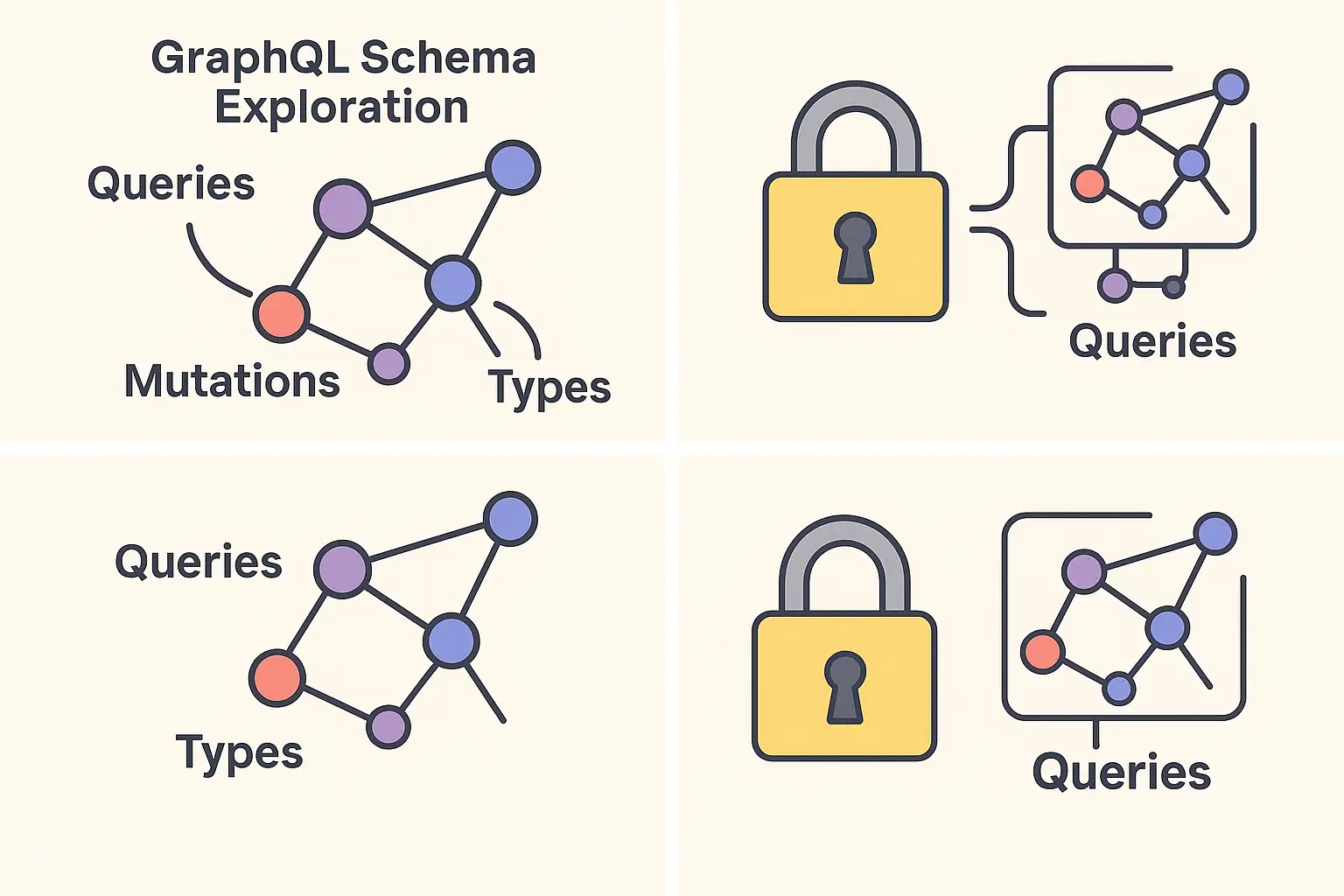
Why GraphQL Introspection Tools Are Game-Changers
GraphQL schemas contain everything you need to know about an API—types, queries, mutations, relationships, and constraints. But accessing this information efficiently requires more than just reading schema files. You need tools that can filter, search, and present this data in actionable ways.
Consider this real-world scenario: You’re tasked with building a dashboard for a household management app. The GraphQL API has dozens of types, hundreds of fields, and complex relationships between inventory, shopping lists, meal plans, and user profiles. Without proper introspection tools, you’d spend days manually mapping out the schema structure.
The Complete GraphQL Introspection Toolkit
1. Complete Schema Introspection (get_graphql_schema)
What it does: Provides a comprehensive overview of the entire GraphQL schema in a single operation, giving you the complete API blueprint.
When to use it:
- Initial API assessment and planning
- Schema documentation generation
- Architecture analysis and planning
- API version comparison
Real-world example: Imagine you’re evaluating a vendor’s GraphQL API for integration. Instead of requesting documentation or making dozens of individual queries, you get the complete schema structure instantly:
Schema Overview:
- 45 Query operations
- 32 Mutation operations
- 78 Custom types
- 12 Enums
- 8 Input types
- 156 Total fields across all types
Best practices:
- Use this as your starting point for any new GraphQL API
- Cache the results to avoid repeated introspection calls
- Compare schemas across environments (dev, staging, prod)
- Generate documentation automatically from schema data
Developer workflow tip: Run complete introspection first to understand the API’s scope, then use targeted tools for deeper exploration of specific areas.
2. Query Discovery (filter_queries)
What it does: Allows you to search, filter, and explore all available query operations with optional pattern matching and detailed information.
Practical scenario: You’re building a household inventory management feature and need to find all inventory-related operations:
Search pattern: "inventory"
Results:
- fetchInventoryItems: "Fetch all inventory items for a household, with optional filtering by storage area, category, expiry, and legacy status"
- itemTemplates: "Fetch all item templates with their category and unit"
- storageAreas: "Fetch all storage areas for the current household"
Advanced filtering capabilities:
- Case-insensitive substring matching
- Filter by deprecation status
- Show/hide detailed descriptions
- Authentication-aware exploration
Use cases by developer role:
- Frontend developers: Finding data queries for new UI components
- Backend developers: Understanding available data access patterns
- QA engineers: Discovering test scenarios and edge cases
- Technical writers: Creating accurate API documentation
Best practice workflow:
- Start with
detailed: falsefor broad discovery and token efficiency - Use broad search terms to identify operation categories
- Identify naming conventions and patterns
- Switch to
detailed: trueonly for operations you’ll implement - Group related operations for feature planning
- Document frequently used queries for team reference
3. Mutation Discovery (filter_mutations)
What it does: Specifically targets mutation operations—the data modification operations that change state in your GraphQL API.
Real-world example: You’re implementing a complete shopping list management system:
Search pattern: "shopping"
Mutation Results:
- createShoppingList: Create a new shopping list
- updateShoppingList: Modify existing shopping list details
- deleteShoppingList: Remove a shopping list
- addShoppingListItem: Add items to a shopping list
- removeShoppingListItem: Remove items from a shopping list
- markShoppingListItemComplete: Mark items as purchased
Why mutations deserve special attention:
- They modify data and have side effects
- Often require specific permissions and validation
- Critical for understanding the full capabilities of an API
- Essential for planning CRUD operations
Security and planning benefits:
- Understand what operations are available to different user roles
- Plan error handling for mutation failures
- Identify required vs optional mutation arguments
- Map mutations to business processes
4. Type System Exploration (filter_types)
What it does: Provides comprehensive type discovery with filtering by type kind (OBJECT, SCALAR, ENUM, etc.) and pattern matching.
Detailed exploration example: When working with a meal planning system, you need to understand the data structure:
Search pattern: "meal"
Type Results (OBJECT):
- MealPlan: Core meal planning container
- MealPlanEntry: Individual meal assignments
- MealSuggestion: AI-generated meal recommendations
- MealNutrition: Nutritional information per meal

Type Results (ENUM):
- MealType: [BREAKFAST, LUNCH, DINNER, SNACK]
- DietaryRestriction: [VEGETARIAN, VEGAN, GLUTEN_FREE, DAIRY_FREE]
Advanced type filtering:
- OBJECT types: Core business entities and data structures
- SCALAR types: Custom data types (DateTime, Money, etc.)
- ENUM types: Predefined value sets and constants
- INTERFACE types: Shared contracts between types
- UNION types: Multiple possible return types
- INPUT_OBJECT types: Structured input parameters
Architecture insights: Use type exploration to understand:
- Data modeling approaches
- Relationship patterns between entities
- Custom business logic implementations
- API design conventions and standards
5. Deep Type Analysis (get_type_details)
What it does: Provides exhaustive information about a specific type, including all fields, their types, nullability, descriptions, and deprecation status.
Comprehensive example: Let’s examine a Profile type in detail:
Type: Profile
Kind: OBJECT
Description: "User profile information with preferences and settings"

Fields:
- id: ID! (non-nullable, unique identifier)
- username: String! (non-nullable, display name)
- email: String! (non-nullable, contact email)
- preferences: UserPreferences (nullable, user settings object)
- dietary_restrictions: [DietaryRestriction!] (non-nullable list, dietary needs)
- created_at: DateTime! (non-nullable, account creation timestamp)
- last_login_at: DateTime (nullable, last activity timestamp)
- is_active: Boolean! (non-nullable, account status flag)
- household_memberships: [HouseholdMembership!]! (relationships to households)
Critical information revealed:
- Required vs Optional fields: Plan your UI and validation logic
- Relationships: Understand how data connects across the schema
- Data types: Know what to expect and how to handle each field
- Business rules: Nullable fields often indicate optional business data
Planning and development benefits:
- Generate TypeScript interfaces automatically
- Plan database migrations and data validation
- Understand API evolution and backward compatibility
- Create accurate mock data for testing
6. Field-Level Deep Dive (get_field_details)
What it does: Provides granular analysis of specific query or mutation fields, including arguments, return types, validation rules, and usage examples.
Detailed field analysis example: Understanding the fetchInventoryItems query in complete detail:
Field: fetchInventoryItems
Type: Query
Description: "Fetch all inventory items for a household, with optional filtering by storage area, category, expiry, and legacy status"

Arguments:
- household_id: ID! (required, which household to query)
- storage_area_id: ID (optional, filter by storage location)
- category_id: ID (optional, filter by item category)
- include_expired: Boolean (optional, default: false, include expired items)
- include_legacy: Boolean (optional, default: false, include legacy items)
- limit: Int (optional, default: 50, max: 200, pagination limit)
- offset: Int (optional, default: 0, pagination offset)

Returns: InventoryItemConnection!
Structure:
- edges: [InventoryItemEdge!]! (paginated results)
- page_info: PageInfo! (pagination metadata)
- total_count: Int! (total available results)

Authentication Required: Yes (Bearer token or household membership)
Rate Limiting: 100 requests per minute per user
Implementation insights:
- Argument validation: Understand required vs optional parameters
- Pagination patterns: Implement proper list handling
- Authentication requirements: Plan security integration
- Performance considerations: Understand limits and optimization needs
Code generation benefits: Use this detailed information to:
- Generate client-side query builders
- Create comprehensive integration tests
- Build accurate API documentation
- Implement proper error handling
Advanced Workflows and Integration Strategies
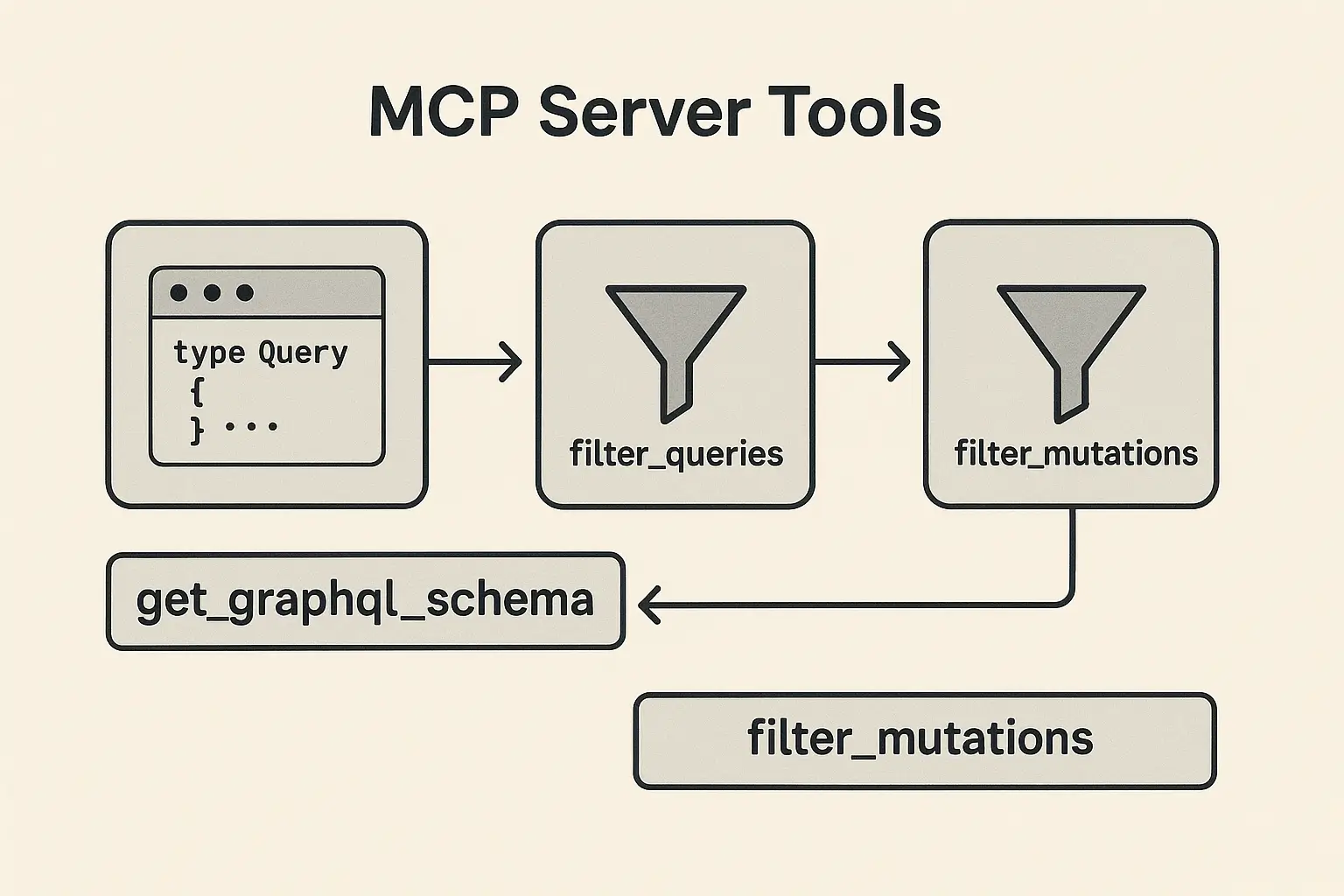
The Progressive Discovery Workflow
Phase 1: Schema Overview
- Use
get_graphql_schemafor initial assessment - Identify major functional areas and type counts
- Understand overall API complexity and design patterns
Phase 2: Operation Discovery
- Use
filter_queriesandfilter_mutationswithdetailed: falseto map available operations efficiently - Group operations by business functionality
- Identify CRUD patterns and data flow operations
- Use
detailed: trueonly for high-priority operations
Phase 3: Data Model Understanding
- Use
filter_typeswithdetailed: falseto explore core business entities efficiently - Focus on OBJECT types first, then supporting types
- Map relationships and dependencies between types
- Switch to
detailed: truefor critical business objects only
Phase 4: Implementation Planning
- Use
get_type_detailsfor critical business objects - Use
get_field_detailsfor complex operations - Plan client implementation and integration architecture
Team Collaboration Strategies
For Development Teams:
- Create shared documentation from introspection results
- Establish naming convention standards based on discovered patterns
- Use introspection for code review and API usage validation
For API Teams:
- Monitor schema evolution and breaking changes
- Generate client SDKs automatically from introspection data
- Create comprehensive testing suites based on discovered operations
For DevOps Teams:
- Implement schema change detection in CI/CD pipelines
- Monitor API complexity and performance implications
- Automate documentation updates with schema changes
Performance and Best Practices
Optimization Strategies
💡 Pro Tip: Token Efficiency for Discovery
Always use
detailed: falsefor initial discovery operations! This setting dramatically reduces API response size and saves AI tokens during exploration. Only switch todetailed: truewhen you need comprehensive information about specific types or fields you’re actively implementing.
Caching Introspection Results:
- Schema introspection can be expensive on large APIs
- Cache complete schema data and refresh periodically
- Use targeted introspection for active development areas
Efficient Discovery Patterns:
- Start with
detailed: falsefor broad exploration and overview - Use type filtering to reduce cognitive load
- Switch to
detailed: trueonly for implementation-critical fields - Group related explorations in single sessions
Authentication Management:
- Store credentials securely for authenticated introspection
- Use service accounts for automated introspection
- Implement proper token refresh and rotation
Common Pitfalls and Solutions
Problem: “The schema is too large to understand” Solution: Use progressive discovery—start with type filtering to identify core business objects, then explore relationships systematically.
Problem: “I can’t find the operation I need” Solution: Use broader search terms and explore related types. The operation might be named differently than expected, or functionality might be split across multiple operations.
Problem: “Field arguments are confusing” Solution: Use get_field_details to understand argument requirements, defaults, and validation rules. Look for patterns in similar operations.
Problem: “Schema keeps changing” Solution: Implement automated schema monitoring and documentation generation. Use introspection in CI/CD to detect breaking changes.
Real-World Implementation Examples
E-commerce Integration
When integrating with a product catalog API:
- Use complete introspection to understand product data structure
- Filter queries to find product search and filtering operations
- Analyze product types to understand variants, pricing, and inventory
- Deep-dive into search field details for implementing product discovery
Microservices Architecture
For service-to-service GraphQL communication:
- Use mutation discovery to understand service capabilities
- Type exploration to ensure data consistency across services
- Field analysis to implement proper error handling and validation
- Schema comparison to manage service evolution
Legacy System Documentation
When documenting existing GraphQL APIs:
- Complete schema introspection for comprehensive overview
- Systematic type and field analysis for complete documentation
- Operation grouping for logical documentation structure
- Automated documentation generation with regular updates
The Future of GraphQL Introspection
Emerging Trends
- AI-powered schema analysis: Intelligent query suggestions and optimization
- Real-time schema evolution: Live schema change notifications and impact analysis
- Visual schema exploration: Interactive schema visualization and relationship mapping
- Automated testing generation: Test suite creation based on schema introspection
Integration Opportunities
- IDE enhancements: Rich schema exploration directly in development environments
- API gateways: Enhanced routing and security based on schema analysis
- Monitoring systems: Schema-aware performance monitoring and alerting
- Documentation platforms: Living documentation that stays synchronized with schema changes
Conclusion: Transform Your GraphQL Development Experience
These six GraphQL introspection tools represent a complete toolkit for understanding, exploring, and working with any GraphQL API effectively. By incorporating systematic schema exploration into your development workflow, you’ll:
- Reduce integration time from days to hours
- Eliminate guesswork with comprehensive schema understanding
- Build more robust applications with complete API knowledge
- Improve team collaboration through shared schema understanding
- Maintain better documentation with automated introspection workflows
The key to success is progressive discovery: start broad with complete schema introspection, narrow your focus with targeted filtering, and dive deep into the operations and types that matter most to your application.
Whether you’re a frontend developer building user interfaces, a backend engineer designing integrations, or a DevOps professional managing API infrastructure, these introspection tools provide the visibility and understanding you need to work with GraphQL APIs confidently and efficiently.
Ready to revolutionize your GraphQL workflow? Start by exploring your current GraphQL schemas with complete introspection, then progressively focus on the areas most critical to your development goals. You’ll be amazed at how much more productive and confident you become when you truly understand the APIs you’re working with.


