AI Limitations Uncovered: What Chatbots Can’t Really Do
You paste a link into your AI chatbot. You expect it to read the page, summarize the content, and give you insights. Instead, you get a polite non-answer — or worse, a confident hallucination. Sound familiar?
This experience is more common than you might think, and it points to one of the most persistent misunderstandings in the age of AI tools: the assumption that chatbots work like browsers. They don’t. And once you understand why, everything about how you use AI changes for the better.
Whether you’re a marketer trying to summarize a competitor’s article, a content creator sharing a Facebook post for analysis, or a business professional asking an AI to review a LinkedIn thread — you’ve likely run into this wall. This post breaks down exactly what’s happening under the hood, why AI cannot open URLs or access social media links, and how to work with AI tools in a way that actually gets results.
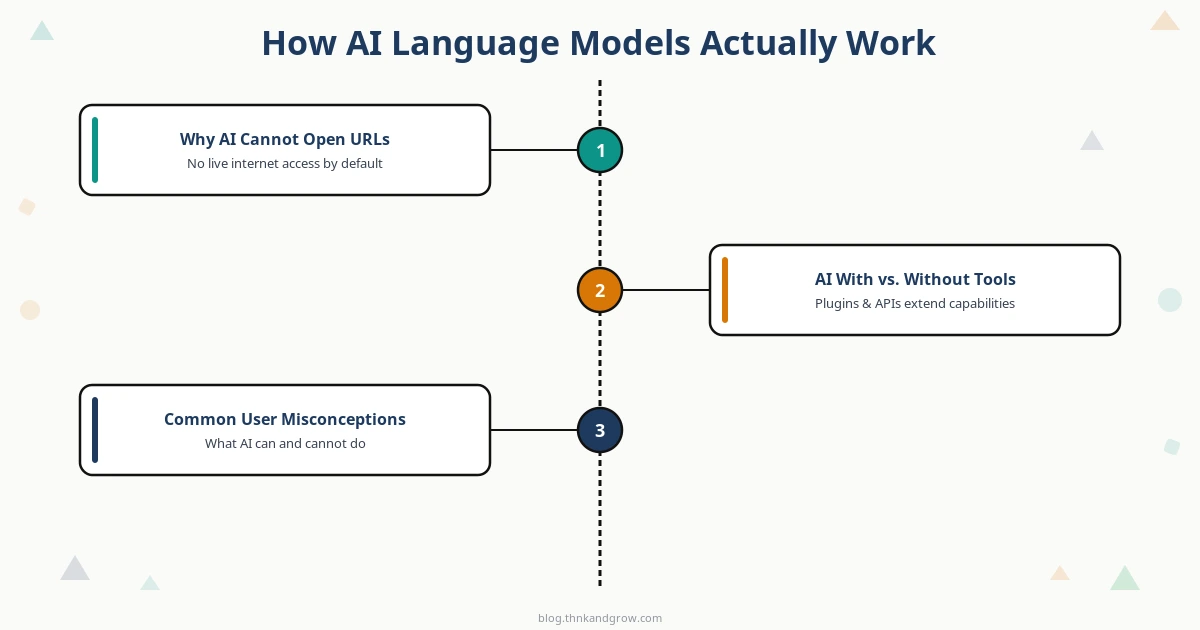
How AI Language Models Actually Work
To understand what AI can’t do, you first need a clear picture of what it actually is. Large language models (LLMs) like GPT-4, Claude, or Gemini are not search engines. They are not browsers. They are not connected to the internet by default. They are, at their core, pattern-recognition systems trained on enormous static datasets.
Here’s the simplified version: during training, an AI model processes billions of words of text — books, articles, websites, code repositories, and more — collected up to a specific point in time called the knowledge cutoff date. The model learns statistical relationships between words, concepts, and ideas. When you ask it a question, it generates a response by predicting the most coherent and relevant sequence of text based on those learned patterns.
There is no live query happening. There is no Google search running in the background. The model is not “looking anything up” in real time. It is drawing entirely on what it learned during training — which means:
- It has no awareness of events that occurred after its training cutoff
- It cannot retrieve fresh data, prices, news, or social media posts
- It has no mechanism to reach out to the web unless that capability has been explicitly engineered into the tool
Think of it like consulting a brilliantly well-read expert who has been in a cabin without internet since a specific date. They know an enormous amount — but they genuinely cannot tell you what happened yesterday, and they cannot go look it up for you.
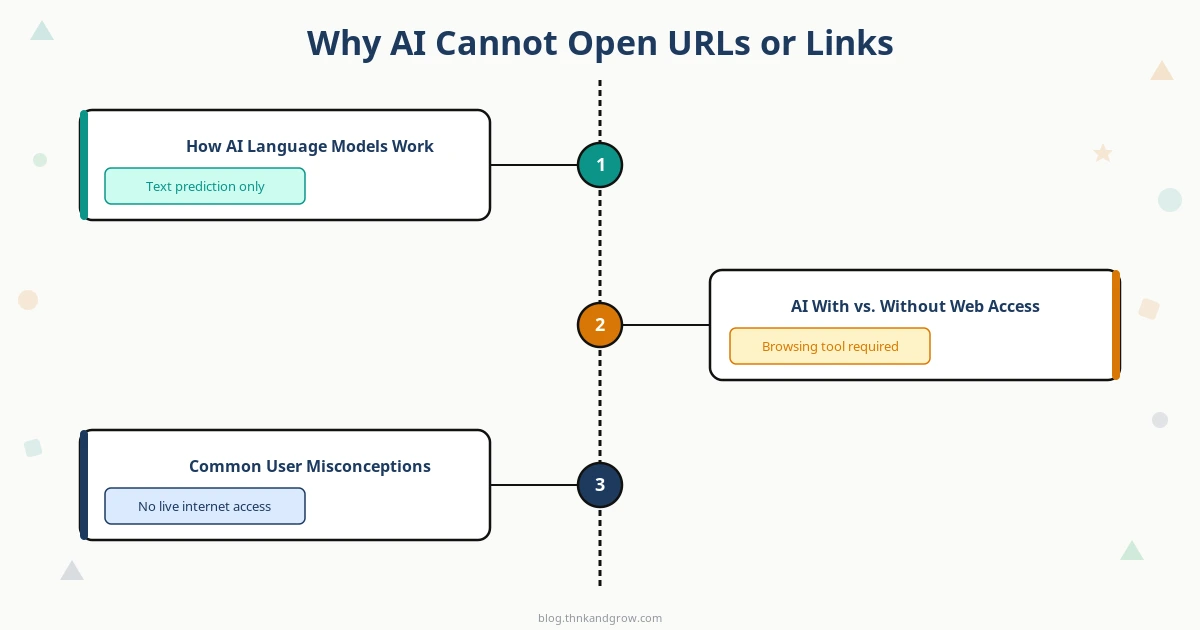
Why AI Cannot Open URLs or Social Media Links
This is where the technical reality becomes especially important for everyday users. When you paste a URL into a chatbot, you might assume the AI will “visit” that page the way your browser does. But from a technical standpoint, that’s simply not how base language models function.
Opening a URL involves a chain of operations that LLMs are not built to perform:
- HTTP requests: A browser sends a request to a web server and receives HTML, CSS, JavaScript, and media files in return. An LLM has no networking layer to do this.
- JavaScript rendering: Most modern websites are not static HTML — they load content dynamically through JavaScript. Accessing them properly requires a full browser engine like Chromium.
- Authentication: Many pages require you to be logged in to view content. The AI has no credentials, no session cookies, and no login state.
Social media platforms like Facebook make this even more complex. Facebook’s share links — such as URLs in the /share/ format — are not direct links to static content. They are dynamic redirects that resolve differently depending on who is viewing them, whether they’re logged in, what device they’re using, and what privacy settings the post has.
Even if an AI could theoretically make an HTTP request, a Facebook share link would likely return a login wall, a redirect loop, or a generic error — not the content you intended to share. Add to this the fact that Facebook actively enforces strict bot-access policies to prevent automated scraping, and you have a platform that is fundamentally designed to resist exactly the kind of access a non-authenticated AI would attempt.
The bottom line: pasting a link into an AI chat is not the same as giving the AI the content. The link is just text — a string of characters the model recognizes as a URL format but cannot act upon.
The Difference Between AI With and Without Web Access
Now, you may be thinking: “But I’ve seen AI tools that do search the web.” You’re right — and this distinction matters enormously.
Some AI products have a web-browsing layer bolted on top of the base language model. Tools like Perplexity AI, Microsoft Copilot (formerly Bing Chat), and ChatGPT with the browsing plugin enabled can perform live web searches. They do this by:
- Running a search query through a search engine API
- Fetching and parsing publicly accessible web pages
- Feeding that retrieved content into the language model as context
- Generating a response based on both the retrieved data and the model’s training
This is a genuinely useful capability — but it comes with critical limitations that users often overlook. Even web-enabled AI tools cannot:
- Log into your Facebook, Instagram, LinkedIn, or any other private account
- Access posts visible only to friends or followers
- View content behind paywalls or subscription gates
- Retrieve content from pages that block automated access
Understanding which tool you’re using — and what capabilities it actually has — is the first step to avoiding frustration. If you’re using a base model with no browsing plugin, no amount of link-pasting will produce the result you want. If you’re using a browsing-enabled tool, it may help with public pages, but it still won’t crack open a private social media post.
Common Misconceptions Users Have About AI
Let’s address the myths head-on, because these misconceptions are widespread — even among technically savvy users.
Misconception 1: “AI can see what I see on my screen or browser”
Unless you are using a tool with explicit screen-sharing or vision capabilities (and even then, only in specific controlled implementations), the AI has absolutely no visibility into your browser, your screen, or your current session. It only knows what you type or paste into the chat window.
Misconception 2: “Pasting a link is the same as pasting the content”
This is perhaps the most common and consequential misconception. A URL is just an address. Giving someone an address doesn’t give them the building. When you paste https://www.facebook.com/share/17aLuAc7Jk/ into a chatbot, the AI sees a string of text. It cannot visit that address, knock on the door, and retrieve what’s inside. You need to copy the actual content — the text of the post, the article body, the transcript — and paste that into the conversation.
Misconception 3: “AI is always up to date with current events and trending posts”
This one leads to some of the most damaging misuses of AI. People ask chatbots about recent news, current stock prices, today’s trending topics, or the latest product releases — and the AI, designed to be helpful, may generate a response that sounds authoritative but is based entirely on outdated training data. Always verify time-sensitive information through current sources. AI is not a news feed.
How to Work With AI More Effectively
Once you understand the limitations, the path to better AI interactions becomes clear. Here are the practical habits that will transform your results:
1. Paste the actual content, not the link
If you want AI to analyze a Facebook post, a news article, a product review, or a competitor’s page — copy the text and paste it directly into the chat. This is the single most impactful change most users can make. Instead of:
“Can you summarize this post? [link]”
Try:
“Here is the text of a Facebook post. Please summarize the key points and suggest how I might respond: [paste full text here]”
The difference in output quality is dramatic.
2. Use browsing-enabled tools when real-time data is required
If your task genuinely requires current information — recent news, live pricing, today’s trending topics — use a tool built for that purpose. Perplexity AI, Bing Copilot, or ChatGPT with the Browse with Bing feature enabled are designed for these scenarios. Match the tool to the task.
3. Describe your context clearly
Even without the original content, you can often get excellent results by describing your topic thoroughly. Instead of sharing a link to a marketing campaign, describe the campaign’s goals, audience, messaging, and format. The AI can then apply its deep trained knowledge to give you genuinely useful analysis and recommendations.
What AI Is Genuinely Great At (When Given the Right Input)
Here’s the important counterbalance to everything above: when you give AI the right input, it is remarkably capable. The limitations are real, but so is the power — and the two are not in conflict once you understand them.
AI language models excel at:
- Summarizing and analyzing text you provide directly — Feed it a 3,000-word article and ask for a 200-word executive summary. The results are consistently impressive.
- Generating structured outputs — Blog outlines, content briefs, project plans, email templates, social media calendars — AI produces these with speed and coherence that would take humans hours to match.
- Deep knowledge on trained topics — Ask it to explain quantum computing, walk you through a marketing framework, debug a block of code, or help you structure a business proposal. Within its training knowledge, AI is extraordinarily well-informed.
- Tone adjustment and rewriting — Paste your draft and ask for a more professional tone, a shorter version, or a translation into plain English. AI handles this with nuance.
- Brainstorming and ideation — When you need 20 headline ideas, 10 product names, or 5 angles for a blog post, AI is an inexhaustible creative collaborator.
The key insight is this: AI is an amplifier, not a researcher. It amplifies the quality and depth of the input you give it. Give it rich, specific, well-framed input, and you get rich, specific, well-framed output. Give it a dead link, and you get nothing useful.
Conclusion: Give AI the Content, Not Just the Link
AI tools are genuinely transformative — but only when used with a clear-eyed understanding of what they are and what they are not. They are not browsers. They are not search engines. They are not real-time data feeds. They are sophisticated language systems trained on static knowledge, and their power is unlocked through the quality of the input you provide.
The next time you find yourself frustrated that an AI “couldn’t read” a link you shared, remember: it’s not a failure of the tool — it’s a mismatch between expectation and reality. Adjust your approach, paste the actual content, choose the right tool for the task, and you’ll find that AI is far more capable than the disappointing link-paste experience suggested.
For content creators, marketers, and business professionals who use AI daily, this shift in understanding is not a minor tweak — it’s the difference between wasted effort and genuine productivity gains. The most effective AI users are not the ones with access to the most advanced models. They’re the ones who know exactly how to talk to them.
Start there, and everything else follows.


