The Proxy Rabbit Hole: Fixing AI Agent Tool Calls
It started with a simple idea: deploy a swarm of autonomous AI agents on Discord, backed by Claude Sonnet 4.5 via GitLab’s secure AI infrastructure. Agents that could search documentation, execute code, and collaborate in real-time channels. The architecture looked clean on a whiteboard. The implementation looked clean in the initial commit. And then the first tool call fired — and everything quietly, invisibly broke.
What followed was a week-long descent into the internal mechanics of the Vercel AI SDK, OIDC token exchanges, and the subtle, silent ways that message translation layers can corrupt an LLM’s conversational state. Three separate bugs. Each one harder to find than the last. Each one a masterclass in why building bridge software between AI frameworks is one of the most underestimated engineering challenges of 2026.
This post is a forensic account of that debugging journey — what broke, why it broke, and what it reveals about the broader state of the production AI tooling ecosystem. If you’re building multi-agent systems on non-OpenAI backends, you will encounter these failure modes. The question is whether you’ll recognize them when you do.
The Architecture That Looked Perfect on Paper
OpenClaw is designed to work with OpenAI-compatible APIs. GitLab AI Gateway, however, exposes its Anthropic-backed models through a proprietary interface that requires specific GitLab headers and a temporary OIDC token exchange — not a simple API key. To bridge this gap, we built a custom translation proxy using the gitlab-ai-provider package.
The full request chain looked like this:
OpenClaw (Discord Agent)
  → Custom Node.js Proxy
    → gitlab-ai-provider
      → GitLab AI Gateway
        → Anthropic (Claude Sonnet 4.5)
On paper, this was elegant. The proxy handles the OpenAI-to-AI-SDK translation. The provider handles GitLab authentication. The Gateway provides the model. In practice, the chain contained three hidden fault lines — each at a different translation boundary, each manifesting in a different, deeply confusing way.
The fundamental tension is this: OpenAI and Anthropic have different worldviews about how a conversation — and specifically a tool call — should be structured. OpenAI uses a parameters field for tool schemas. Anthropic uses input_schema. This is not a minor naming difference. It is a load-bearing structural divergence that propagates corruption through every layer of a proxy stack that doesn’t handle it explicitly.
When you add the Vercel AI SDK’s jsonSchema() wrapper into the mix — which stores the actual schema under a .jsonSchema property rather than at the top level — you have three different structural conventions competing silently inside the same request pipeline. Any one of them failing to translate correctly produces bugs that look like model behavior problems, not infrastructure problems. That misdirection is what makes them so expensive to debug.
Bug #1: The Case of the Empty Tool Arguments
The first symptom appeared immediately after we got basic tool routing working. Agents would correctly identify which tool to invoke — the right name, the right intent — but the arguments were always an empty object:
{
  "role": "assistant",
  "tool_calls": [
    {
      "id": "call_123",
      "type": "function",
      "function": {
        "name": "search_docs",
        "arguments": "{}"
      }
    }
  ]
}
No error. No warning. Just {} where structured arguments should be. The agent would call search_docs with no query. It would call execute_code with no code. Every tool invocation was a ghost — the right shape, but hollow.
Root Cause: The Schema Nesting Problem
Tracing through the logs, we found the failure inside gitlab-ai-provider v5.0.0‘s convertTools() method. The method was looking for tool.inputSchema.properties at the top level of the schema object. But when you define a tool using the Vercel AI SDK’s jsonSchema() helper, the actual JSON Schema isn’t at the top level — it’s nested under a .jsonSchema property:
// What convertTools() expected:
{
  inputSchema: {
    type: "object",
    properties: { query: { type: "string" } }
  }
}

// What Vercel AI SDK's jsonSchema() actually produces:
{
  inputSchema: {
    jsonSchema: {
      type: "object",
      properties: { query: { type: "string" } }
    }
  }
}
Because .properties was undefined at the expected path, the provider silently defaulted to an empty object. No exception was thrown. No warning was logged. The code continued executing with corrupted tool definitions, and the LLM — receiving tools with no schema — had no parameters to populate.
Additionally, our proxy was forwarding the schema under a parameters field (OpenAI convention), while the AI SDK expects inputSchema (its own convention). Two separate naming mismatches, compounding each other.
The Fix: Patching Distribution Files
We couldn’t wait for an upstream fix. The patch was applied directly to the distribution files — a decision worth examining honestly. Patching dist/index.js and dist/index.mjs is not elegant. It will be overwritten on the next npm install. But when you’re blocked in production and the upstream maintainer timeline is unknown, it is the correct short-term decision. The patch itself was straightforward:
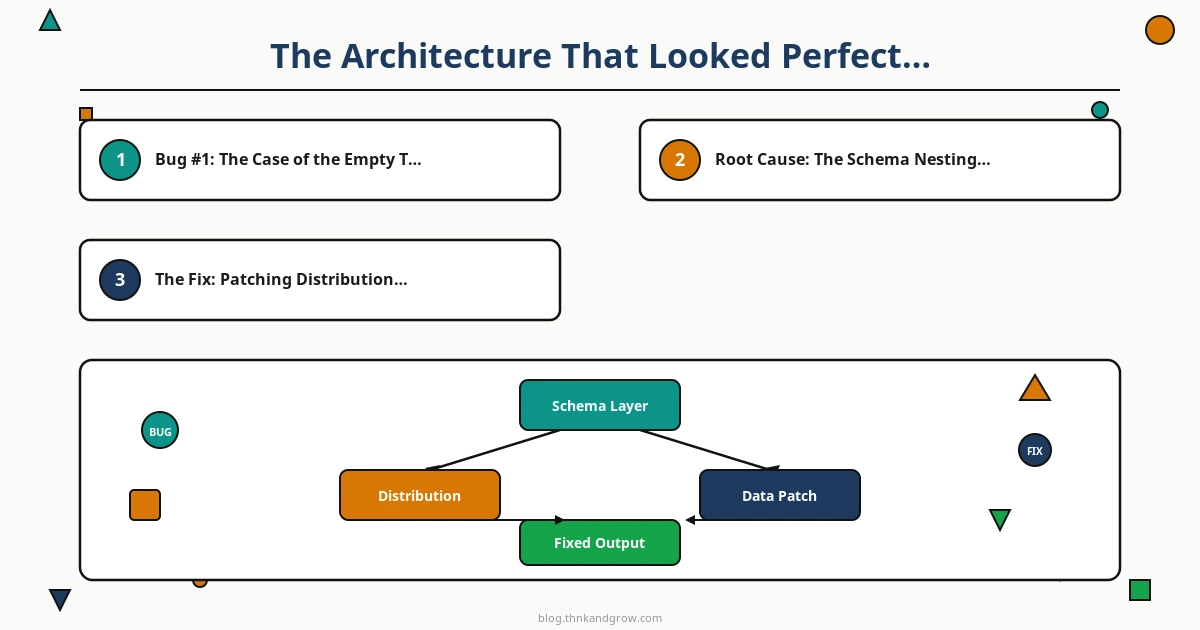
// Before (in dist/index.js and dist/index.mjs)
const props = raw.properties;

// After (patched)
const schema = raw?.jsonSchema ?? raw;
const props = schema.properties;
The ?? raw fallback ensures backward compatibility: if the schema is already at the top level (older SDK versions), it still works. If it’s wrapped under .jsonSchema (newer SDK versions), it unwraps correctly.
The broader lesson here is one that every team building on community AI providers needs to internalize: version drift between community providers and rapidly evolving SDKs is not an edge case — it is the default state. The Vercel AI SDK ships updates frequently. Community providers follow at their own pace. The gap between them is where your bugs live.
Bug #2: Session Corruption and the Dead Agent
With tool arguments flowing correctly, we expected smooth sailing. Instead, we hit a failure mode that was far more alarming than empty arguments. After an agent successfully executed a tool and received the result, every subsequent request from that agent would return an immediate, empty response.
The symptoms were consistent and eerie:
- Response time: 30–90ms — far too fast for any real LLM inference (Claude Sonnet 4.5 typically takes 1–3 seconds for a substantive response)
content: []— an empty content array with no text, no tool calls, nothingtotalTokens: 0— the model was not processing the request at all- Persistence — the agent remained “dead” for the entire session until we manually deleted the session JSON file from disk
Root Cause: Malformed Tool Result Messages
The culprit was in how tool results were being written back into the conversation history. When a tool executes and returns a result, that result must be appended to the conversation as a message with a specific structure. Our proxy was writing the tool result in a format that was syntactically valid JSON but semantically malformed relative to what the AI SDK expected downstream.
The malformed message looked something like this:
{
  "role": "tool",
  "tool_call_id": "call_123",
  "content": {
    "result": "Found 3 matching documents..."
  }
}
When it should have been:
{
  "role": "tool",
  "tool_call_id": "call_123",
  "content": "Found 3 matching documents..."
}
The content field was being wrapped in an extra object layer. The AI SDK, when it encountered this malformed message in the conversation history on the next request, didn’t throw an error. It didn’t log a warning. Instead, it passed the corrupted history to the model, and the model — faced with an invalid conversation structure — returned an empty response rather than an error. The LLM’s silence was the only signal that something was wrong.
The Session State Problem
What made this failure mode particularly dangerous was the persistence mechanism. Session state was stored in JSON files on disk. Once a malformed tool result was written to the session file, every subsequent request for that session would load the corrupted history, send it to the model, and receive an empty response. The agent was permanently dead for that session.
The fix required two steps: first, identifying and sanitizing the malformed message structure in the conversation history; second, implementing a session validation step that checks for structural integrity before each request and either repairs or resets corrupted sessions automatically.
The manual workaround — deleting the session file — worked, but it meant losing all conversation context. In a production Discord bot where users expect continuity across a session, this is not acceptable. The deeper fix required adding a conversation history validator that runs before each API call:
function validateConversationHistory(messages) {
  return messages.filter(msg => {
    if (msg.role === 'tool') {
      // Ensure content is a string, not a nested object
      if (typeof msg.content !== 'string') {
        console.warn('Corrupted tool message detected, sanitizing:', msg);
        msg.content = JSON.stringify(msg.content);
      }
    }
    return true;
  });
}
This is a band-aid, not a cure. The real solution is to fix the tool result serialization at the source. But the validator buys time and prevents the “dead agent” failure mode from persisting across requests.
Bug #3: The OIDC Token Race Condition
The third bug was the most intermittent and therefore the most maddening. Approximately one in every eight requests would fail with a 401 Unauthorized error from the GitLab AI Gateway, even though the same token had successfully authenticated the previous request seconds earlier.
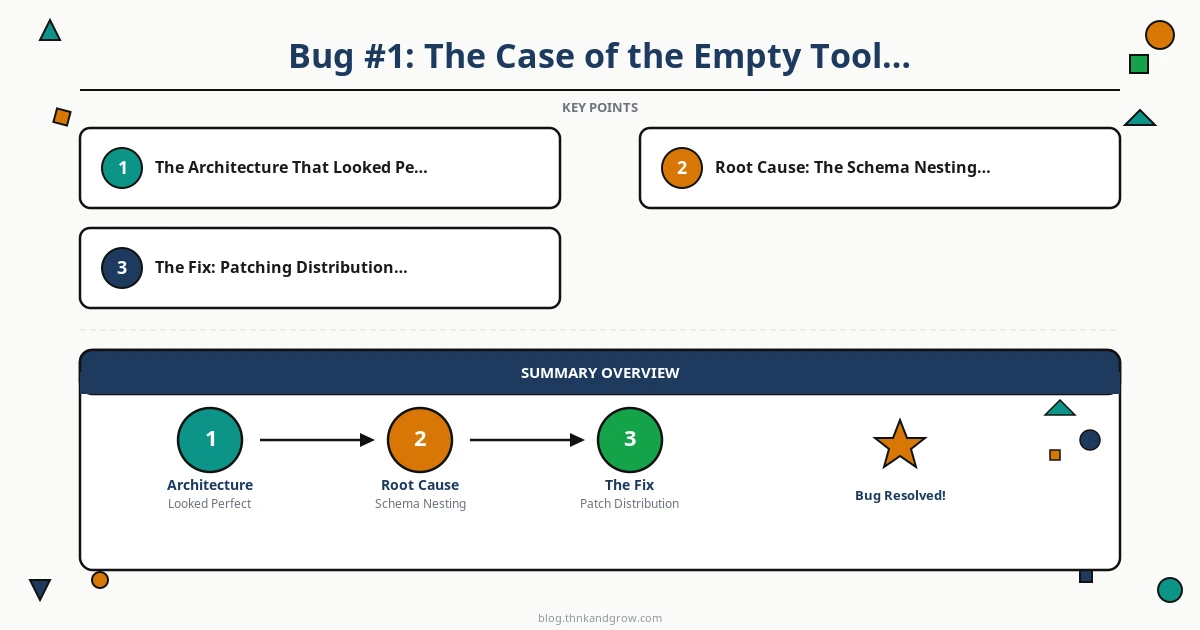
The symptoms pointed to a race condition in the OIDC token lifecycle. GitLab AI Gateway uses short-lived OIDC tokens for authentication — these tokens have a finite validity window, typically measured in minutes. Our proxy was caching the token and reusing it across requests, which worked most of the time. But under certain timing conditions — particularly when a tool execution took longer than expected, causing the token to approach its expiry — the cached token would expire between the moment it was read from cache and the moment the request reached the Gateway.
Root Cause: Token Expiry Window Miscalculation
The token refresh logic was checking expiry at the time of cache read, but not accounting for network latency and processing time between the cache read and the actual API call. A token that was valid when checked could expire 200–500ms later when the request arrived at the Gateway. This window was narrow enough to be rare in normal operation but wide enough to cause consistent failures under load or when tool executions added latency to the pipeline.
// Problematic: checks expiry at cache read time
function getToken(cache) {
  if (cache.token && cache.expiresAt > Date.now()) {
    return cache.token; // Token might expire before request arrives
  }
  return refreshToken();
}

// Fixed: adds a safety buffer before expiry
const TOKEN_EXPIRY_BUFFER_MS = 30000; // 30 seconds

function getToken(cache) {
  if (cache.token && cache.expiresAt > Date.now() + TOKEN_EXPIRY_BUFFER_MS) {
    return cache.token;
  }
  return refreshToken();
}
Adding a 30-second expiry buffer — refreshing the token proactively before it expires rather than reactively after it fails — eliminated the race condition entirely. The fix is simple in retrospect, but finding it required correlating request timestamps with token expiry times across hundreds of log lines.
The broader lesson: OIDC token management is not a solved problem you can delegate to a library and forget. When tokens are short-lived and requests have variable latency (as they always do in AI pipelines where tool execution time is unpredictable), you must build explicit safety margins into your token lifecycle management.
The Deeper Lesson: What Bridge Software Really Means
Stepping back from the three bugs, a pattern emerges. Each one was caused not by a fundamental flaw in any single component, but by the boundaries between components — the moments where data crossed from one system’s worldview into another’s.
Translation proxies aren’t just format converters. They must faithfully preserve semantic intent across two different API worldviews — and when they fail, they fail silently.
OpenAI’s API, Anthropic’s API, the Vercel AI SDK, and GitLab AI Gateway each have their own internal model of what a conversation is, what a tool call looks like, and how authentication should flow. When you build a proxy that bridges these systems, you are not writing a simple adapter. You are writing a semantic translator — and every field name, every nesting level, every token lifecycle assumption is load-bearing.
Why Enterprise AI Forces These Proxy Layers
It’s worth acknowledging why this complexity exists in the first place. GitLab AI Gateway isn’t an arbitrary obstacle. It represents a legitimate enterprise need: organizations want to use frontier AI models like Claude Sonnet 4.5 but need to route them through their own infrastructure for compliance, cost control, audit logging, and data residency requirements. This is not going away. If anything, as AI becomes more deeply embedded in enterprise workflows in 2026, the demand for these proxy layers will increase.
Every team building production AI agents in an enterprise context will eventually encounter some version of this architecture: a powerful agent framework designed for OpenAI, connected via a translation layer to a proprietary enterprise gateway, backed by a model from a third provider. The three bugs described here are not exotic edge cases. They are the representative failure modes of this architecture class.
The Documentation Lag Problem
One of the most frustrating aspects of debugging these issues was the documentation lag. The Vercel AI SDK’s jsonSchema() nesting behavior that caused Bug #1 was a relatively recent change — one that the gitlab-ai-provider changelog didn’t mention and the SDK migration guide buried in a footnote. The tool result message format that caused Bug #2 was documented in the AI SDK’s TypeScript types but not in any prose documentation or example code.
In 2026, the AI tooling ecosystem is moving faster than documentation can follow. This means that reading the source code — not the docs, not the README, the actual TypeScript source — is a required skill for anyone building production systems on these stacks. When a behavior doesn’t match the documentation, the source code is the ground truth.
Practical Debugging Checklist for Proxy-Based AI Stacks
If you’re building or maintaining a multi-agent system with a translation proxy layer, the following checklist represents the hard-won lessons from this debugging journey:
Schema and Field Name Verification
- Audit every translation boundary for field name mismatches. Specifically:
parameters(OpenAI) vs.input_schema(Anthropic) vs.{ “@context”: “https://schema.org”, “@type”: “Article”, “headline”: “The Proxy Rabbit Hole: Fixing AI Agent Tool Calls”, “description”: “Discover how to debug proxy issues in multi-agent AI systems. Fix tool call failures with GitLab AI Gateway, Vercel AI SDK, and Anthropic Claude step by step.”, “author”: { “@type”: “Person”, “name”: “hoangtam” }, “publisher”: { “@type”: “Organization”, “name”: “thnkandgrow.com” }, “mainEntityOfPage”: { “@type”: “WebPage”, “@id”: “https://thnkandgrow.com/proxy-rabbit-hole-fixing-ai-agent-tool-calls/” }, “datePublished”: “2026-03-13”, “dateModified”: “2026-03-13” }


