Path Traversal Attacks: How Hackers Escape Directories
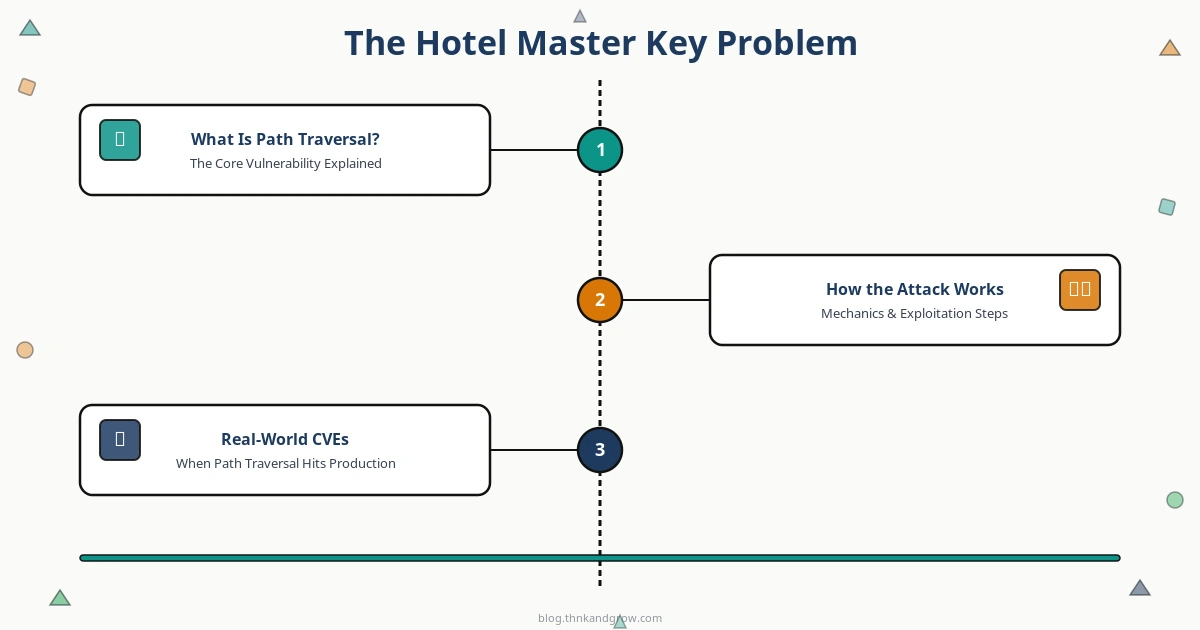
The Hotel Master Key Problem
Imagine checking into a hotel and discovering that your room key doesn’t just open your room — it opens every room on every floor. You could walk into the manager’s office, the server room, the safe behind the front desk. That’s precisely the kind of unauthorized access that path traversal enables on a web server. Instead of a physical key, the attacker’s tool is a handful of dots and slashes. Instead of hotel rooms, the target is your filesystem.
Path traversal — also called directory traversal or the dot-dot-slash attack — is one of the oldest tricks in the attacker’s playbook, yet it continues to power some of the most damaging breaches of 2023 and 2024. It holds a prominent place in the OWASP Top 10 under A01: Broken Access Control, the number-one web application risk category. Nation-state actors have used it to compromise tens of thousands of firewalls. Ransomware gangs have weaponized it to extort hundreds of organizations. And thanks to automated scanning tools, even low-skilled attackers can now find and exploit these vulnerabilities at scale.
This guide walks through everything you need to know: the core mechanics, real-world CVEs, modern attack surfaces, the tools both attackers and defenders use, and — most importantly — how to write code that simply doesn’t have this problem.
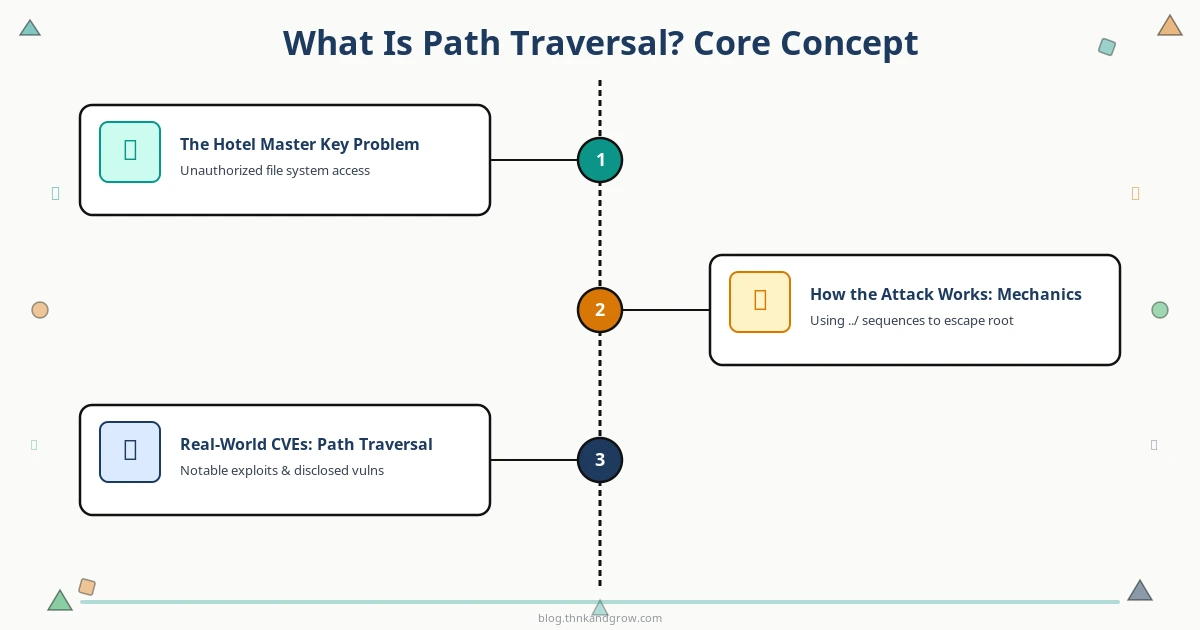
What Is Path Traversal? The Core Concept
At its heart, path traversal exploits one thing: insufficient validation of user-supplied input that gets used to construct a file path. When an application takes a value from a URL parameter, form field, or API request and passes it directly to a filesystem operation, an attacker can inject directory-navigation sequences to escape the intended folder.
The classic example looks like this:
Intended URL: https://example.com/loadFile?filename=report.pdf

Attack URL:   https://example.com/loadFile?filename=../../../etc/passwd
Each ../ moves one level up the directory tree. String enough of them together and you climb out of the web root entirely, landing wherever you want on the filesystem. On Linux/Unix systems, /etc/passwd is the traditional proof-of-concept target because it’s world-readable and confirms the attack worked. In practice, attackers go after configuration files, private keys, application source code, and database credentials.
There are three main flavors to understand:
- Relative path traversal: Uses
../(Linux/Mac) or..\(Windows) to navigate up the directory tree relative to the current working directory. - Absolute path traversal: Directly supplies a full path like
/etc/shadoworC:\Windows\win.ini, bypassing the relative navigation entirely. - Encoded variants: URL encoding (
%2e%2e%2f), double encoding (%252e%252e%252f), Unicode encoding, and null byte injection (%00) are used to slip past naive string-matching filters that block the literal../sequence.
How the Attack Works: Mechanics and Variants
The attack chain is deceptively simple. User-controlled input flows into a file path construction routine. The application appends that input to a base directory — say, /var/www/uploads/ — and opens the resulting path. Without sanitization, the attacker controls where that path actually points.
Developers often try to fix this by filtering for ../ in the raw input string. Attackers counter with encoding tricks:
- URL encoding:
%2e%2e%2fdecodes to../after the filter runs but before the filesystem call. - Double encoding:
%252e%252e%252f— the%25is itself a URL-encoded percent sign, so a single decode pass produces%2e%2e%2f, and a second pass produces../. - Unicode/UTF-8 variants: Some web servers accept overlong UTF-8 sequences that resolve to the same characters.
- Null byte injection: Appending
%00.jpgto a traversal string historically tricked C-based functions into ignoring everything after the null terminator, bypassing extension whitelists.
A particularly dangerous modern variant is Zip Slip. When an application extracts a ZIP, TAR, or JAR archive without validating the paths of files inside it, a maliciously crafted archive can contain entries like ../../etc/cron.d/backdoor. The extraction library faithfully writes the file to that path, giving the attacker arbitrary write access anywhere on the system. Zip Slip affected thousands of projects across Java, Python, Go, and JavaScript ecosystems.
Real-World CVEs: When Path Traversal Goes Critical
Path traversal isn’t just a textbook vulnerability. It has been the root cause — or a critical component — of some of the most impactful security incidents in recent memory.
CVE-2024-3400 — Palo Alto PAN-OS (CVSS 10.0)
This vulnerability in the GlobalProtect feature of Palo Alto’s PAN-OS combined path traversal with command injection to achieve unauthenticated remote code execution. It received a perfect CVSS score of 10.0. Threat actor group UTA0218, attributed to nation-state activity, exploited it against tens of thousands of firewalls globally before patches were widely applied. It is a stark reminder that path traversal isn’t just a web app problem — it affects enterprise network infrastructure at the highest stakes level.
CVE-2021-41773 and CVE-2021-42013 — Apache HTTP Server
A path traversal flaw in Apache HTTP Server 2.4.49 allowed attackers to map URLs to files outside the document root. When combined with mod_cgi, it escalated directly to remote code execution. The vulnerability was massively exploited within 24–48 hours of public disclosure. Apache released a patch (2.4.50), but the fix was incomplete, leading to CVE-2021-42013 just days later. The incident highlighted how quickly the exploitation window can close to near-zero.
MOVEit Transfer — CVE-2023-34362
The Cl0p ransomware group chained path traversal with SQL injection in Progress Software’s MOVEit Transfer application to steal data from hundreds of organizations, including major government agencies, financial institutions, and healthcare providers. The attack campaign affected an estimated 2,000+ organizations and tens of millions of individuals. It stands as one of the most consequential exploitation campaigns in recent history, built on a relatively straightforward vulnerability class.
CVE-2023-4966 (Citrix Bleed) and CVE-2023-27350 (PaperCut)
Citrix Bleed exposed session tokens in Citrix NetScaler ADC and Gateway through path traversal-adjacent access control failures, and was rapidly weaponized by multiple ransomware groups. PaperCut’s CVE-2023-27350 allowed unauthenticated RCE via path traversal and was exploited within days of disclosure. Together, these CVEs illustrate that path traversal affects virtually every category of enterprise software — from print management to network delivery controllers.
Emerging Threats: Path Traversal in Modern Architectures
Traditional path traversal targeted web application file-serving endpoints. Today, the attack surface has expanded dramatically.
- Cloud-native and containerized environments: Kubernetes configurations, init containers, and serverless functions all involve file operations that can introduce traversal risks. A Lambda function reading a user-supplied key from S3 without path validation is functionally identical to a vulnerable PHP script from 2005.
- API-first architectures: REST and GraphQL endpoints that handle file uploads, downloads, or template rendering are high-value targets. APIs often receive less security scrutiny than traditional web UIs, and their path-handling code is just as vulnerable.
- CI/CD pipelines and supply chain: Build tools, package managers (npm, pip, Maven), and pipeline scripts frequently handle archive extraction and file path construction. A malicious package with a crafted tarball can exploit Zip Slip to write files outside the build sandbox, potentially injecting backdoors into production artifacts.
- AI/ML pipelines: As organizations build machine learning infrastructure, model files, training datasets, and configuration files become attractive targets. A traversal vulnerability in a model-serving API could expose proprietary weights or allow an attacker to overwrite a model file with a malicious one.
Tools of the Trade: Offensive and Defensive
Understanding what attackers use helps defenders prioritize their controls.
On the offensive side: Burp Suite’s Active Scanner automatically tests for path traversal across all identified parameters. DotDotPwn is a dedicated traversal fuzzer included in Kali Linux, supporting HTTP, FTP, TFTP, and other protocols. Nuclei from ProjectDiscovery provides community-maintained templates for known CVEs, enabling mass scanning at speed. SecLists and PayloadsAllTheThings supply comprehensive payload libraries covering every encoding variant imaginable. Metasploit modules exist for most major CVEs, reducing exploitation of known vulnerabilities to a few commands. This tooling has dramatically lowered the skill barrier — a script kiddie with Nuclei and a CVE template can compromise unpatched systems at scale.
On the defensive side: ModSecurity with the OWASP Core Rule Set provides open-source WAF protection with rules specifically targeting traversal sequences. AWS WAF managed rules and Cloudflare WAF offer cloud-native detection and blocking. These are valuable layers of defense, but — critically — they are not a substitute for fixing the underlying code. A sufficiently obfuscated payload can bypass WAF rules; canonicalized path validation in code cannot be bypassed.
How to Defend Against Path Traversal
The good news is that path traversal has a clean, reliable fix. The bad news is that it requires consistent application across every code path that touches the filesystem.
- Input validation with whitelisting: Never trust user-supplied path components. Define a strict whitelist of allowed characters (alphanumeric, hyphens, underscores) and reject anything else. If your application only serves PDFs, validate that the filename matches
[a-zA-Z0-9_-]+\.pdf. - Path canonicalization with base-directory verification: Resolve the absolute, canonical path of the requested file before opening it, then verify it starts with your expected base directory. This is the single most reliable technical control.
- Avoid direct user-input-to-filesystem mapping: Use indirect references instead. Store a mapping of numeric IDs to filenames server-side. The user supplies
?fileId=42, your server looks up42 → report.pdf, and the user never touches a path at all. - Least-privilege filesystem permissions: Run your web server process with the minimum filesystem permissions it needs. If the process can only read files in
/var/www/uploads/, a traversal attack can’t reach/etc/passwdeven if the path validation fails. - WAF rules as defense-in-depth: Deploy WAF rules, but treat them as a supplementary layer, not a primary control. Attackers know how to encode around pattern-matching rules.
- Regular security testing: Include path traversal in your DAST scans and penetration testing scope. Run Nuclei or Burp Suite against your own endpoints before attackers do.
Code Examples: Vulnerable vs. Secure Implementation
Python / Flask
Vulnerable:
@app.route('/file')

def get_file():

    filename = request.args.get('filename')

    return open('/var/www/files/' + filename).read()  # Never do this
Secure:
import os

BASE_DIR = '/var/www/files'
@app.route('/file')
def get_file():
filename = request.args.get('filename', '')
requested_path = os.path.realpath(os.path.join(BASE_DIR, filename))
if not requested_path.startswith(BASE_DIR + os.sep):
abort(403)
return open(requested_path).read()
os.path.realpath() resolves all ../ sequences and symlinks to an absolute canonical path. The startswith() check then confirms the result is still within the intended directory.
PHP
Vulnerable:
$file = $_GET['filename'];

echo file_get_contents('/var/www/files/' . $file);  // Never do this
Secure:
$base_dir = realpath('/var/www/files');

$filename = basename($_GET['filename']);  // Strip any directory components

$full_path = realpath($base_dir . DIRECTORY_SEPARATOR . $filename);

if ($full_path === false || strpos($full_path, $base_dir) !== 0) {

    http_response_code(403); exit;

}

echo file_get_contents($full_path);
basename() strips all directory components, and realpath() combined with the strpos() check provides a belt-and-suspenders defense.
Zip Slip Prevention
Vulnerable extraction (Python):
import zipfile

with zipfile.ZipFile('upload.zip') as zf:

    zf.extractall('/var/www/uploads/')  # Paths inside the ZIP are not validated
Secure extraction:
import zipfile, os

BASE = os.path.realpath('/var/www/uploads')

with zipfile.ZipFile('upload.zip') as zf:

    for member in zf.infolist():

        target = os.path.realpath(os.path.join(BASE, member.filename))

        if not target.startswith(BASE + os.sep):

            raise ValueError(f"Zip Slip detected: {member.filename}")

        zf.extract(member, BASE)
The pattern is identical to the Flask example: canonicalize first, then verify the result stays within bounds.
Conclusion: The Gap Between Knowing and Doing
Path traversal is a paradox in web security. It is one of the most thoroughly documented vulnerability classes in existence — CWE-22 has been in the catalog for decades, OWASP has published guidance on it for years, and every major security training platform covers it. And yet it keeps appearing in critical CVEs, keeps powering ransomware campaigns, and keeps exposing sensitive data across every category of software imaginable.
The problem isn’t awareness. It’s the gap between knowing the vulnerability exists and consistently applying the fix across every file-handling code path in every application, every time. Path canonicalization with base-directory validation is not complex. Least-privilege filesystem permissions are not exotic. Indirect file references are not difficult to implement. What they require is discipline — making secure patterns the default in your team’s coding standards, your code review checklists, and your automated test suites.
The practical steps are clear: audit every endpoint in your application that accepts user input and touches the filesystem. Apply realpath() (or your language


